Product Photography With Phone: Marketplace Setup
Product photography with phone, step by step: a cheap home setup, the image size and background marketplaces need, and the mistakes that get photos rejected.
By the CatalogNest team (AngGate Tech Solution) · Published · 5 min read
Key takeaways
- A phone, a tripod, a white sheet and a window are enough for clean listing photos.
- Amazon.in asks for 1000 pixels or more for zoom, and rejects files under 500 pixels on the longest side.
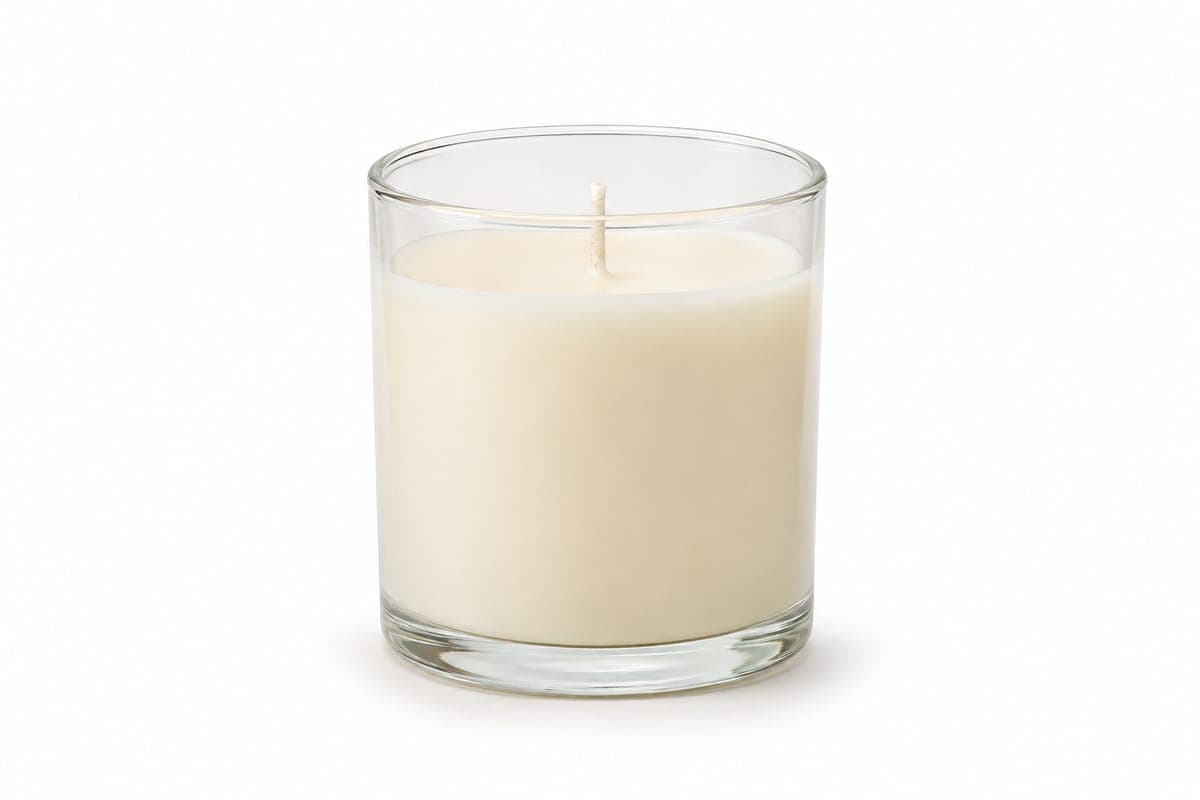
- Amazon's main image needs a pure white background; Meesho wants a solo product with no props.
- Show the whole product and never stretch it: both marketplaces reject bad images.
Product photography with phone works well for marketplace listings if you control three things: light, background and framing. You do not need a studio. A window, a white sheet and something to hold the phone steady will give you a sharp picture of the whole product on a plain background. That is what Meesho and Amazon.in ask for in a first image.
What do marketplaces require?
Start with the rules, because they decide how you shoot. These come from Meesho's guidelines and the Images sheet in Amazon's template.
| Rule | Meesho | Amazon.in |
|---|---|---|
| File format | JPEG only, in RGB | JPEG, TIFF or GIF; JPEG preferred |
| Size | No pixelated images | 1000 pixels or more for zoom; under 500 on the longest side is rejected |
| Background | No clutter | Pure white for the main image |
| Props | Solo product without props | None in the main image unless dispatched with the product |
| Text and logos | No text, watermark, price or brand logo | No added text, logos, watermarks or inset images in the main image |
| Extra images | Up to 4 image columns in the sheet | Up to 8 additional images |
How do I set up at home?
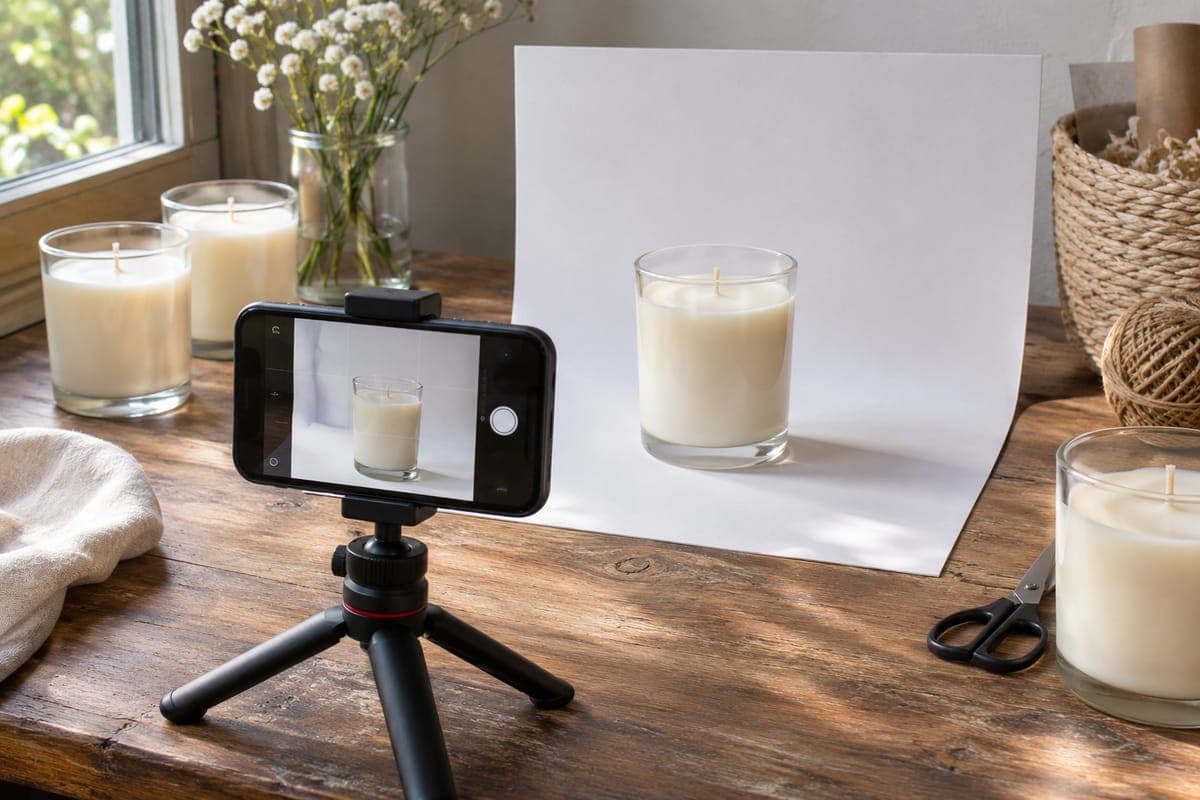
- Choose a table beside a large window, in soft daylight rather than direct sun.
- Curve a sheet of white card or paper from the table up the wall, so there is no line behind the product.
- Put the product in the middle, with space on all sides.
- Hold the phone steady on a small tripod or a stack of books.
- Turn off the flash, tap the product to focus, and lower the exposure slightly if the white looks washed out.
- Shoot straight on first, then the sides and any details.
Which mistakes get photos rejected?
- Cutting off part of the product: Meesho does not allow partial product images.
- Stretching a photo to fit a square: images must not be shrunk, elongated or stretched. Add white space instead.
- Adding a price, offer badge or logo on top of the picture.
- Shooting in low light, which brings blur and noise.
- Using a graphic or illustration: Amazon's main image must be a real photo, and Meesho rejects graphic images.
What should I shoot besides the main image?
Amazon suggests additional images showing different sides, the product in use, or details that are not visible in the main image. Plan a short list per product: front, back or side, a close-up of texture, and one that shows scale. For packaged goods, Meesho's template also asks for clear front and back photos of the pack.
Sources
- Meesho Image Guidelines on the supplier panel's catalog upload page, checked on 14 October 2026
- Meesho bulk upload template for Candles (category 13329), Instructions and Validation sheets
- Amazon.in product template for Candles and Candle Holders (CANDLE_CANDLE_HOLDER.xlsm), Instructions, Images and Data Definitions sheets, downloaded from Seller Central on 21 October 2026
Frequently asked questions
Is a phone good enough for marketplace photos?
For most small products, yes. The marketplaces set rules on size, background and clarity, not on the camera you use.
What size should my product photos be?
Aim for 1000 pixels or more. Amazon's template says that enables zoom, and that files under 500 pixels on the longest side are rejected.
Do I need a pure white background?
For Amazon's main image, yes: it must be pure white. Meesho's rules ask for a solo product with no clutter.