Meesho Group ID: How to Group Products in a Catalog
What the Meesho Group ID does, how it differs from Style ID and SKU ID, and how to fill it in so colours and sizes sit together in a single catalog.
By the CatalogNest team (AngGate Tech Solution) · Published · 4 min read
Key takeaways
- Rows with the same Group ID are grouped into a single catalog on the Meesho app.
- Group ID is an optional dropdown in the template, running from Group 01 to Group 30.
- Each size and each colour goes in its own row.
- Style ID stays the same across sizes and changes with colour; SKU ID is unique to every row.
The Meesho Group ID tells Meesho which rows of your sheet belong together. The template puts it plainly: enter the same group ID for the products which should be grouped in a single catalog on the Meesho app. It is an optional dropdown, with values from Group 01 to Group 30. Leave it empty and you give up that control over which products sit together.
How is it different from Style ID and SKU ID?
Three fields sound alike, but each works at a different level. SKU ID names one row, Style ID links the sizes of one colour, and Group ID gathers rows into a catalog.
| Field | Scope | Template's rule |
|---|---|---|
| SKU ID | One variation | Unique for each product variation, created by you |
| Product ID / Style ID | One colour, all its sizes | Same for all size variants, changes for colour variants |
| Group ID | One catalog | Same value for products grouped in a single catalog |
How do I fill it in?
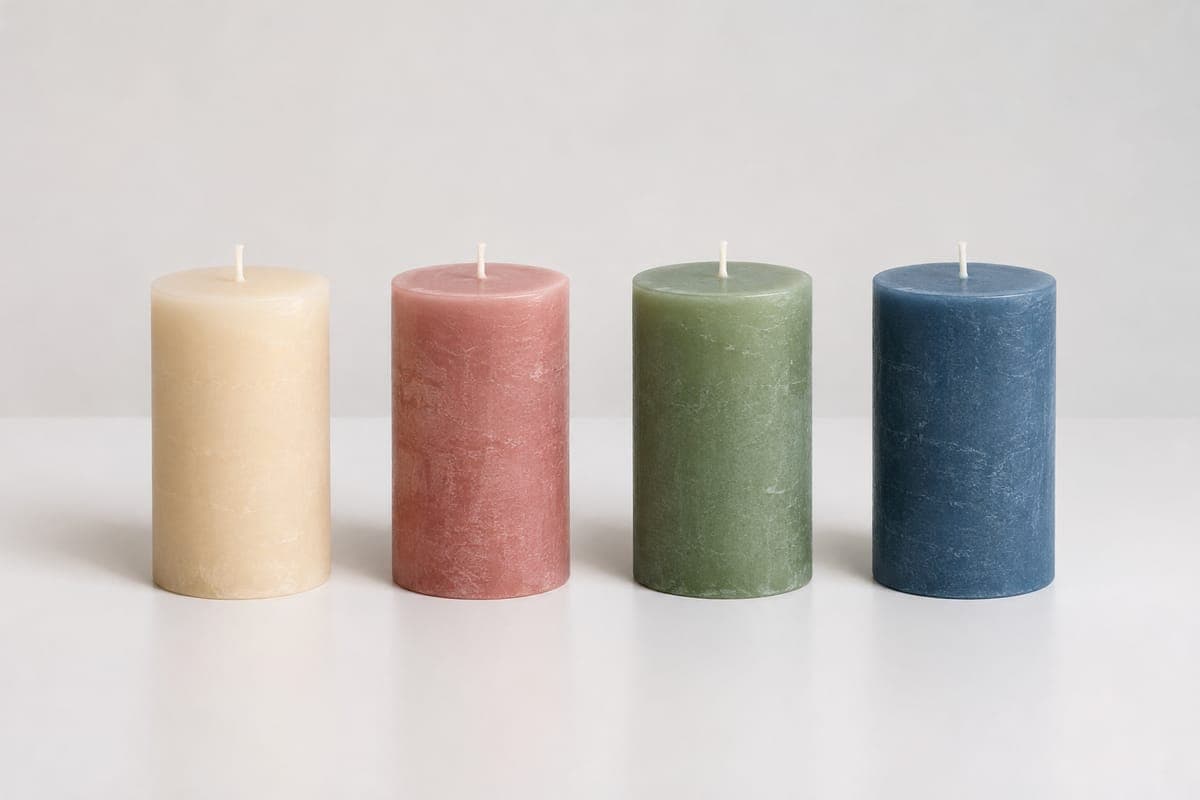
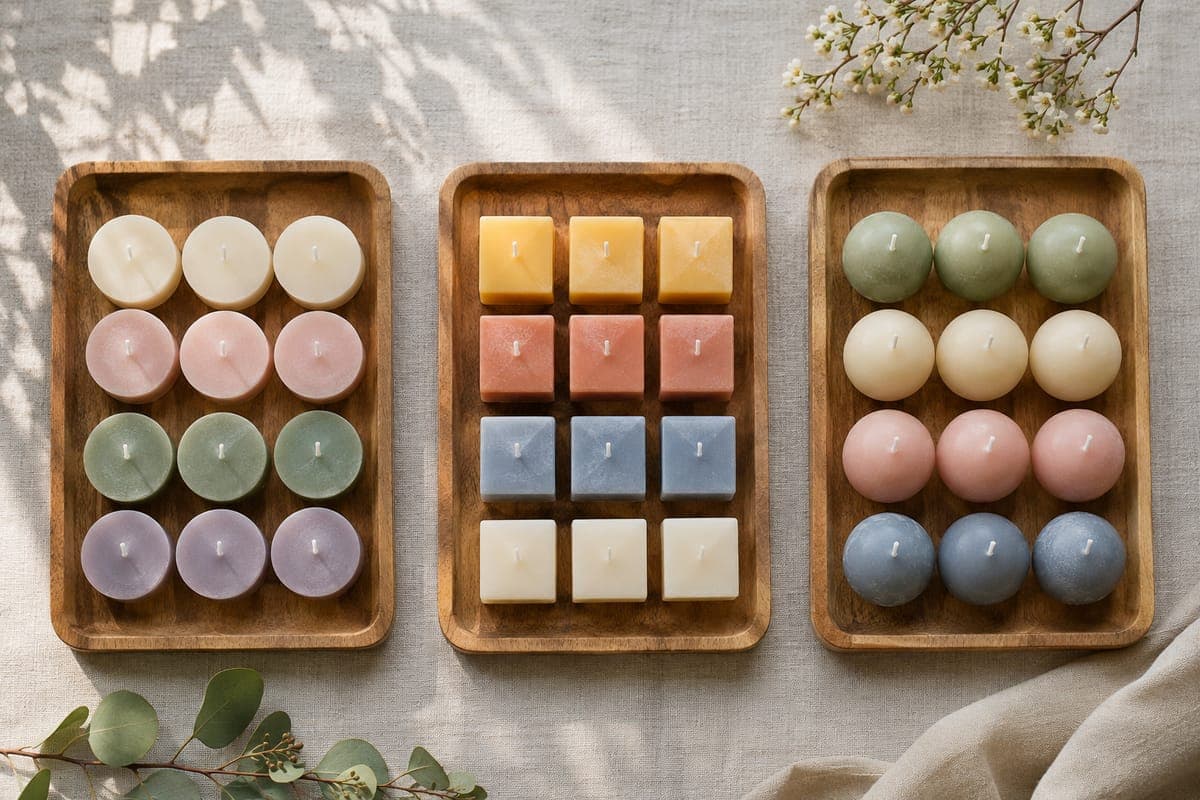
Start by deciding which products a buyer should see side by side. Here is a pillar candle sold in two colours and two sizes. The template asks for a new row for each size and each colour, so that is four rows.
| Row | SKU ID | Style ID | Group ID |
|---|---|---|---|
| Ivory, small | CAN-PIL-IVR-S | PIL-IVR | Group 01 |
| Ivory, large | CAN-PIL-IVR-L | PIL-IVR | Group 01 |
| Red, small | CAN-PIL-RED-S | PIL-RED | Group 01 |
| Red, large | CAN-PIL-RED-L | PIL-RED | Group 01 |
Pick the group value from the dropdown instead of typing it. The instructions say cells with fixed valid values must use a value from the drop-down menu. The Validation sheet shows what each column accepts.
What goes wrong with catalog grouping?
- Mixing unrelated items: a group is for products that belong together, so give different product lines their own value.
- Typing your own label: the dropdown stops at Group 30, and free text is not one of its values.
- One row for several colours: each colour needs its own row, or buyers cannot choose it.
- A new Style ID for each size: the template keeps it the same across sizes of one colour.
Sources
- Meesho bulk upload template for Candle Holders (Home & Kitchen / Home Decor / Candle Holders, category 13324), Instructions, Validation and Return Reasons sheets
- Meesho bulk upload template for Bath Scrubs & Soaps (Beauty & Personal Care / Skin / Body, category 10526), Instructions and Validation sheets
Frequently asked questions
Is Group ID compulsory on Meesho?
No. The Candle Holders template marks it as an optional field.
How many groups can one sheet have?
The dropdown in the templates we checked runs from Group 01 to Group 30.
Should each size be a separate row?
Yes. The template's instructions say each size and each colour goes in a separate row.